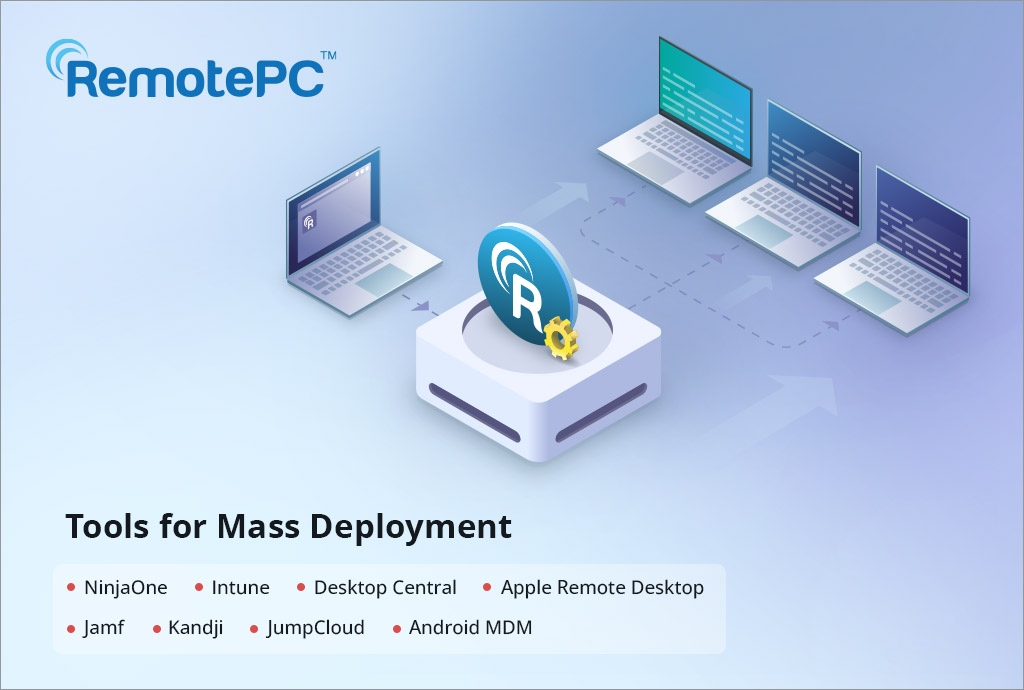
RemotePC makes it easy to roll out remote access and support software across your organization with mass deployment tools tailored for enterprise environments. Whether you’re deploying RemotePC to hundreds of endpoints or provisioning RemotePC Viewer for support teams, RemotePC’s mass deployment options simplify large-scale installations without manually configuring every machine.
What Is Mass Deployment?
Mass deployment refers to installing software simultaneously across many computers within a network, without requiring manual installation on each device. For IT teams, this dramatically reduces time, eliminates errors, and ensures consistency across all endpoints. RemotePC supports several deployment channels, including Group Policy, Intune, Desktop Central, NinjaOne, and more.
Why Use Mass Deployment for RemotePC?
✔ Install RemotePC silently with minimal user interaction
✔ Deploy company-wide configurations using standard tools
✔ Maintain uniform settings across devices
✔ Support hundreds or thousands of endpoints efficiently
Mass deployment is ideal for enterprise IT, MSPs (Managed Service Providers), and organizations with large Windows environments.
Supported Mass Deployment Tools for RemotePC (Windows)
Below is the list of all mass deployment tools and methods supported by RemotePC on Windows:
- Group Policy (GPO) with MSI & MST – Using Windows Server and Active Directory, you can publish the RemotePC MSI installer via Group Policy Objects to install the application on domain-joined machines automatically.
- Microsoft Intune – Microsoft Intune lets you deploy the RemotePC MSI package to managed Windows devices in the cloud.
- Desktop Central – RemotePC can be mass-deployed using ManageEngine Desktop Central
- RemotePC Viewer Deployment – RemotePC Viewer (for support and helpdesk teams) also supports mass deployment
- NinjaOne (formerly Ninja RMM) – Deploy the RemotePC MSI package using NinjaOne’s automation and policy features
Other Related Deployment Tools
While this blog focuses on Windows deployment, RemotePC supports additional tools for Mac and Android that show the breadth of deployment options, such as:
Tools for Mac:
- Microsoft Intune – Use Microsoft Intune to remotely deploy the RemotePC application to multiple Mac devices or groups.
- Apple Remote Desktop – Install the RemotePC application on multiple Mac computers in your organization via Apple Remote Desktop configured on administrator’s computer, remotely.
- Jamf Pro – Using the RemotePC mass deployment package, remotely deploy the application on multiple Mac computers or groups via Jamf Pro.
- NinjaOne – Use NinjaOne to remotely deploy the RemotePC application to multiple Mac devices or groups
- JumpCloud – Use JumpCloud to remotely deploy the RemotePC application to multiple Mac devices or groups.
Tools for Android
- Android MDM – Deploy the RemotePC host on multiple Android devices for remote access
- Microsoft Intune – Deploy the RemotePC host on multiple Android devices for remote access
For more information and documentation on how to mass deploy RemotePC using any of these services for Windows, Mac, and Android, visit https://www.remotepc.com/mass-deployment-windows.
RemotePC offers multiple mass deployment tools to suit diverse enterprise environments. From classic Active Directory Group Policy to modern Intune and RMM platforms, you can automate and manage RemotePC installations efficiently across Windows endpoints.
Whether you’re rolling out the agent or the support viewer, RemotePC’s mass deployment methods save time and reduce errors, making it easier for IT teams to maintain a consistent and secure remote access strategy.