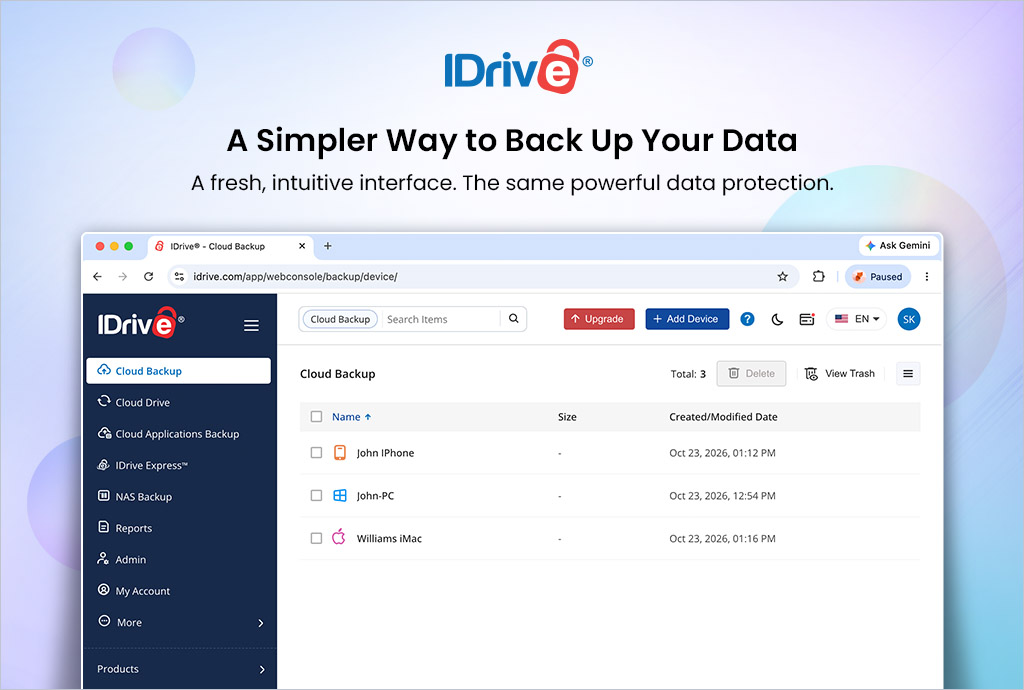
Protecting your data should be simple, intuitive, and convenient. Whether you’re backing up important work documents, family photos, personal files, or entire computer systems, cloud backup with IDrive makes managing your data easier.
At IDrive, we continually look for ways to improve how users protect and manage their digital lives. As part of this commitment, we’re introducing a refreshed web interface designed to deliver a cleaner, more intuitive, and user-friendly backup experience.
The updated web interface makes it easier to navigate essential backup functions, manage your files, and access the tools you need to keep your data protected.
A Fresh, Modern Look
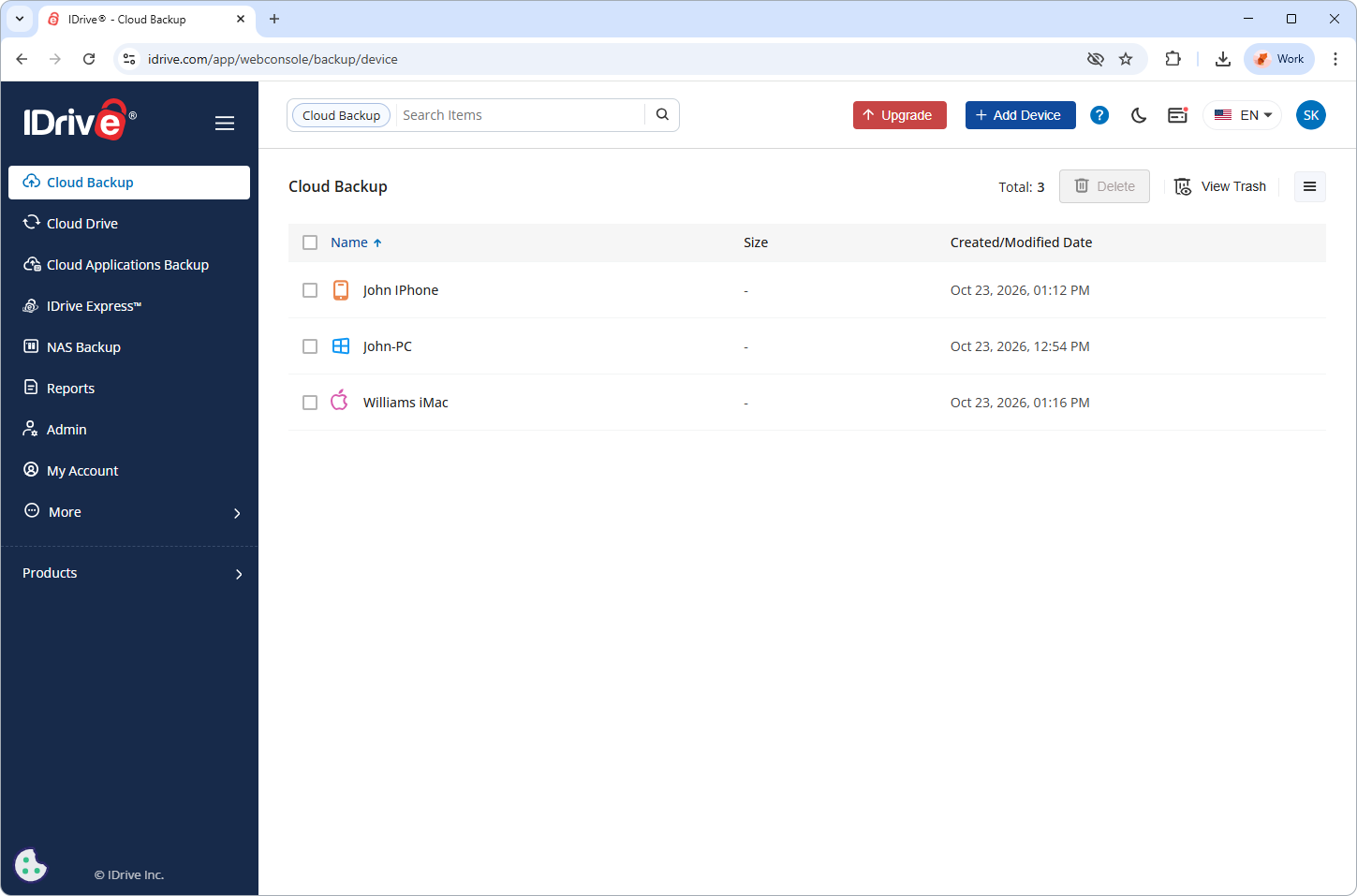
A well-designed interface can make a significant difference in how users interact with their backup software. Our refreshed web interface focuses on a cleaner layout and clearer navigation, helping users manage their backups with greater ease.
The updated design provides a more streamlined way to access key functions, including backup, restore, scheduling, synchronization, and settings. By organizing these essential tools into a clear navigation structure, IDrive helps users spend less time managing their backup software and more time focusing on what matters.
Whether you’re setting up your first backup or managing data across multiple devices, the new web interface is designed to make everyday backup tasks more straightforward.
Simplified Backup and Restore
Backing up your data is only half the equation. When files are accidentally deleted, a device fails, or unexpected data loss occurs, restoring your information is just as important.
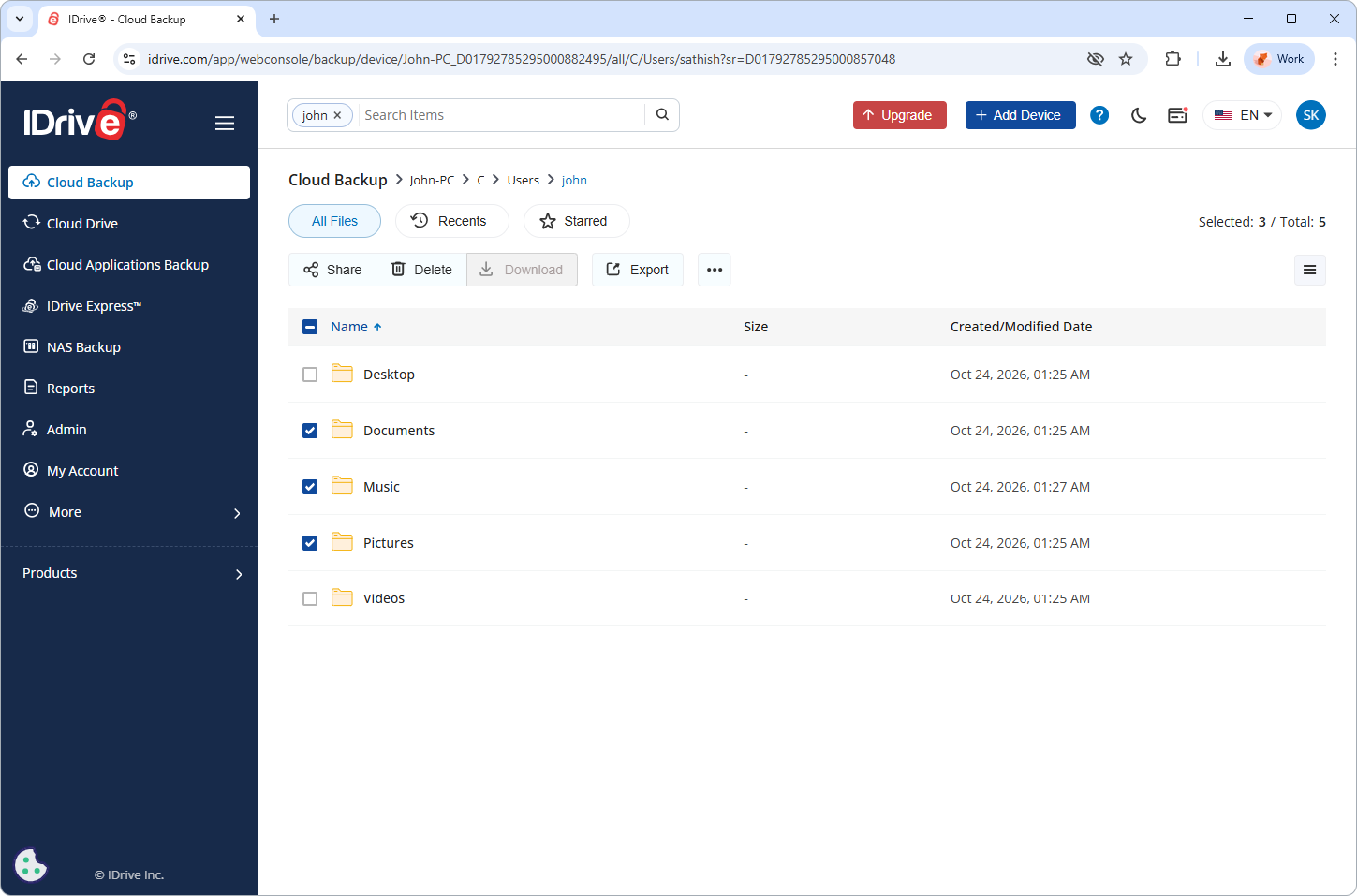
IDrive’s updated web interface makes essential backup and recovery functions easier to access from anywhere.
Key capabilities include:
- Backup management: Select the files and folders you want to protect and initiate backups when needed.
- Convenient file recovery: Browse backed-up data and restore the files you need.
- Scheduled backups: Configure backup schedules to help ensure your data is protected regularly.
- Synchronization: Access IDrive Cloud Drive functionality to sync files and folders across linked devices.
- Centralized settings: Manage backup preferences and other application settings from the interface.
These capabilities help simplify routine data protection, giving users a more accessible way to manage their backups and recover important information when necessary.
Powerful Backup Features, Made Easier to Access
While the new UI brings a refreshed user experience, IDrive continues to offer the data protection capabilities users rely on.
Key features include:
- Continuous Data Protection: Automatically identifies modified portions of files and backs them up.
- Incremental and compressed backups: Transfers only the modified portions of files to help reduce bandwidth usage.
- Snapshots and versioning: Retains previous file versions and provides historical recovery options that can help protect against accidental changes and ransomware.
- 256-bit AES encryption: Helps protect data during transfer and storage.
- True archiving: Keeps backed-up files in your online account even when they are removed from your computer, unless you manually delete them or run Archive Cleanup.
- Flexible recovery: Search for backed-up files and restore the data you need through the desktop application or web interface.
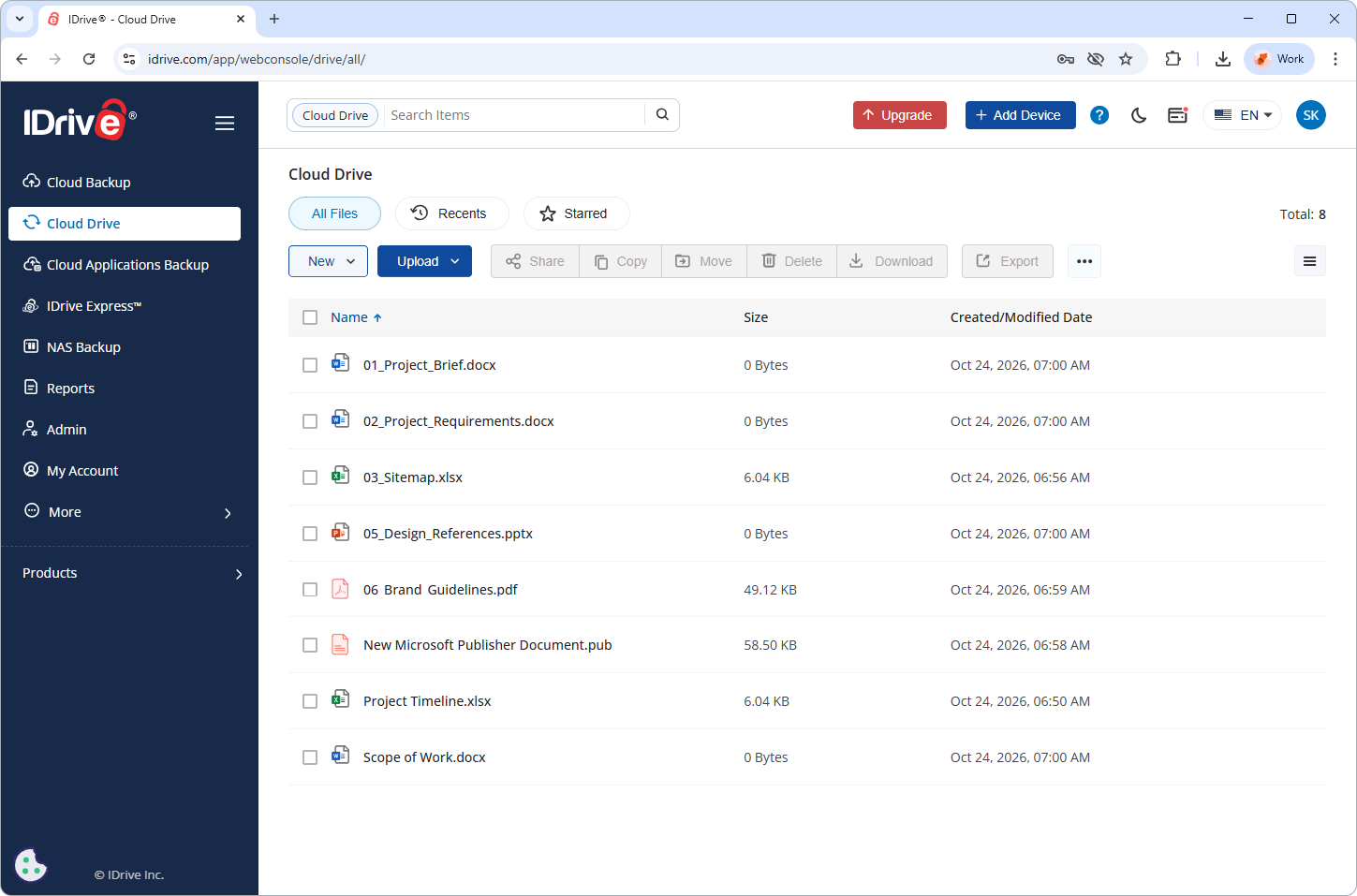
By combining these capabilities with an improved interface, IDrive continues to make comprehensive data protection accessible to a wide range of users.
Designed for a Better Backup Experience
A backup solution should work quietly in the background while giving users the tools they need when it’s time to manage or recover their data.
The new IDrive UI reflects our ongoing commitment to improving usability without losing sight of what matters most: dependable data protection, flexible recovery options, and convenient management.
Whether you’re protecting a personal computer, managing files across several devices, or safeguarding important business data, IDrive brings powerful backup capabilities together with an interface designed to make them easier to use.
Experience the New IDrive UI
At IDrive, we believe that protecting your data should be straightforward. Our refreshed user interface is another step toward making backup and recovery more intuitive, helping users navigate essential functions and manage their data with greater confidence.
Visit IDrive.com to explore IDrive’s cloud backup solutions and discover a simpler way to manage your data.