Backing up your data is one of the simplest ways to protect what matters most: photos, documents, videos, and other important files. Without a reliable cloud backup solution, a hardware failure, accidental deletion, or cyberattack could result in permanent data loss. That’s why services like IDrive have become essential tools for both individuals and businesses.
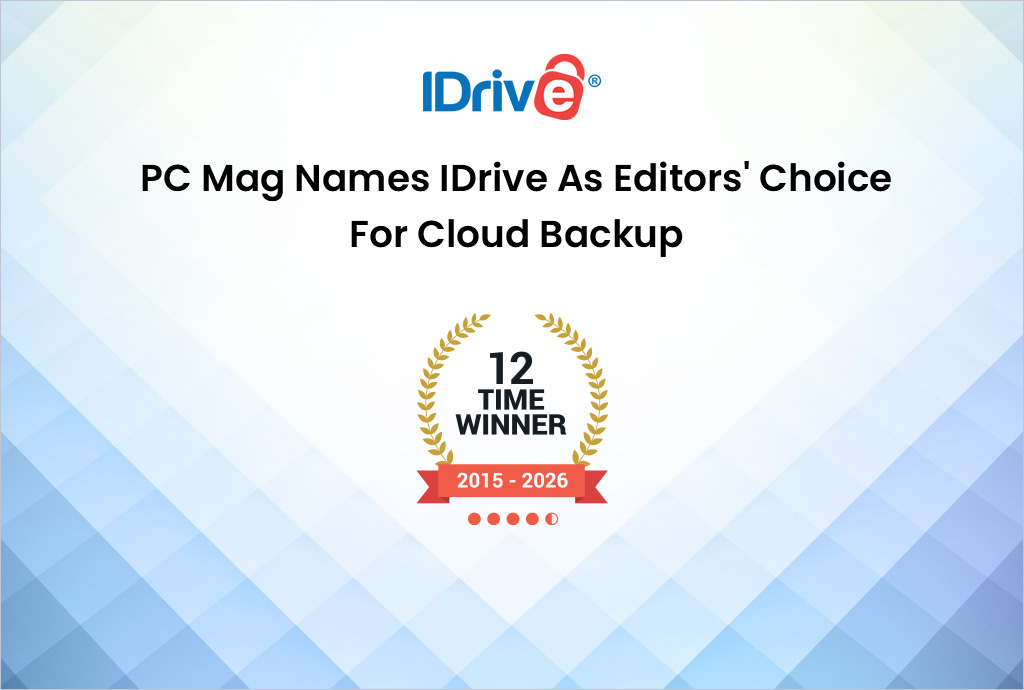
Recently recognized as an Editors’ Choice winner by PCMag with a 4.5/5 star rating for the 12th year in a row, IDrive stands out for offering a powerful mix of affordability, flexibility, and robust features. Here’s a closer look at why it continues to rank among the best backup solutions available.
Affordable Plans With Generous Storage
One of IDrive’s biggest strengths is its pricing. The platform offers a free plan with 10GB of storage, allowing users to protect documents, photos, and other essential files without entering payment details. Many backup providers don’t offer a free tier at all, making this a useful starting point for new users.
For those who need more space, IDrive provides several low-cost options:
- IDrive Mini – 100GB for just $2.95 per year
- IDrive Personal – 5TB for $99.50 per year (often discounted for the first year)
- Business Plans – Starting at 250GB and scaling to enterprise-level storage
Compared with other backup competitors, IDrive often delivers more storage and broader device support at a lower price. Another major advantage: there’s no device limit, so users can back up multiple computers, phones, and tablets under a single account.
Easy Setup and Flexible Backup Options
Getting started with IDrive is straightforward. After creating an account, users simply install the software on their devices and choose which files or folders to back up. From there, the platform handles the rest.
Users can customize their backup strategy with options like:
- Scheduled backups (daily or at specific times)
- Real-time backups that capture changes instantly
- Full-system backups or selected folders only
IDrive also supports local backups to external or network drives, allowing users to maintain both a cloud copy and an on-site copy of their data, an important best practice for data protection.
Additionally, the built-in Cloud Drive sync feature lets users sync files across devices, similar to services like Dropbox.
Backup for Popular Cloud Platforms
IDrive doesn’t just back up files stored on your computer, it can also protect data stored in other cloud services. The platform supports backups for major business and productivity platforms, including:
- Box
- Dropbox
- Google Workspace
- Microsoft 365
- Salesforce
This feature helps protect against accidental deletions, account issues, or data corruption within those platforms. Best of all, storage used for these backups is separate from your main IDrive storage, giving organizations more flexibility.
Mobile Backup for Photos and Important Data
IDrive also includes mobile apps that allow users to back up data from their smartphones and tablets.
On iOS devices, the app can back up:
- Photos and videos
- Contacts
- Calendar entries
Android users get additional backup capabilities such as SMS and call logs. For many users, the automatic photo backup feature is especially valuable, ensuring irreplaceable memories are never lost.
Flexible File Recovery Options
When disaster strikes, recovery speed matters. IDrive offers several ways to restore lost data:
- Standard restore from the cloud through the desktop or mobile app
- Versioning allowing users to recover older versions of files
- IDrive Express, which ships a physical hard drive containing your data for faster recovery of large backups
This last option can be particularly helpful when restoring massive amounts of data or when internet speeds are slow.
Strong Security and Encryption
Security is another key area where IDrive performs well. The service uses 256-bit AES encryption, the industry standard for protecting data during transfer and storage.
Additional security features include:
- Multi-factor authentication (MFA)
- Private encryption key management
- Secure file sharing with password protection and expiration controls
These protections help ensure that backups remain secure and accessible only to authorized users.
A Complete Backup Solution
Between its affordable pricing, extensive device support, strong security, and ability to back up both local files and third-party cloud services, IDrive delivers a comprehensive backup solution. While other specialized tools may excel in niche areas such as full-disk imaging, IDrive offers a balanced set of features that will meet the needs of most users.
For individuals and businesses looking for reliable, cost-effective data protection, IDrive remains one of the best values in the backup software market,and a well-deserved Editors’ Choice winner.